Put the whole show on the big screen.
Trivnow TV is a dedicated secondary display — not a janky share of your host laptop. Questions, timers, leaderboards, and sponsor moments hit every Fire Stick, projector, Zoom, or livestream in the room.
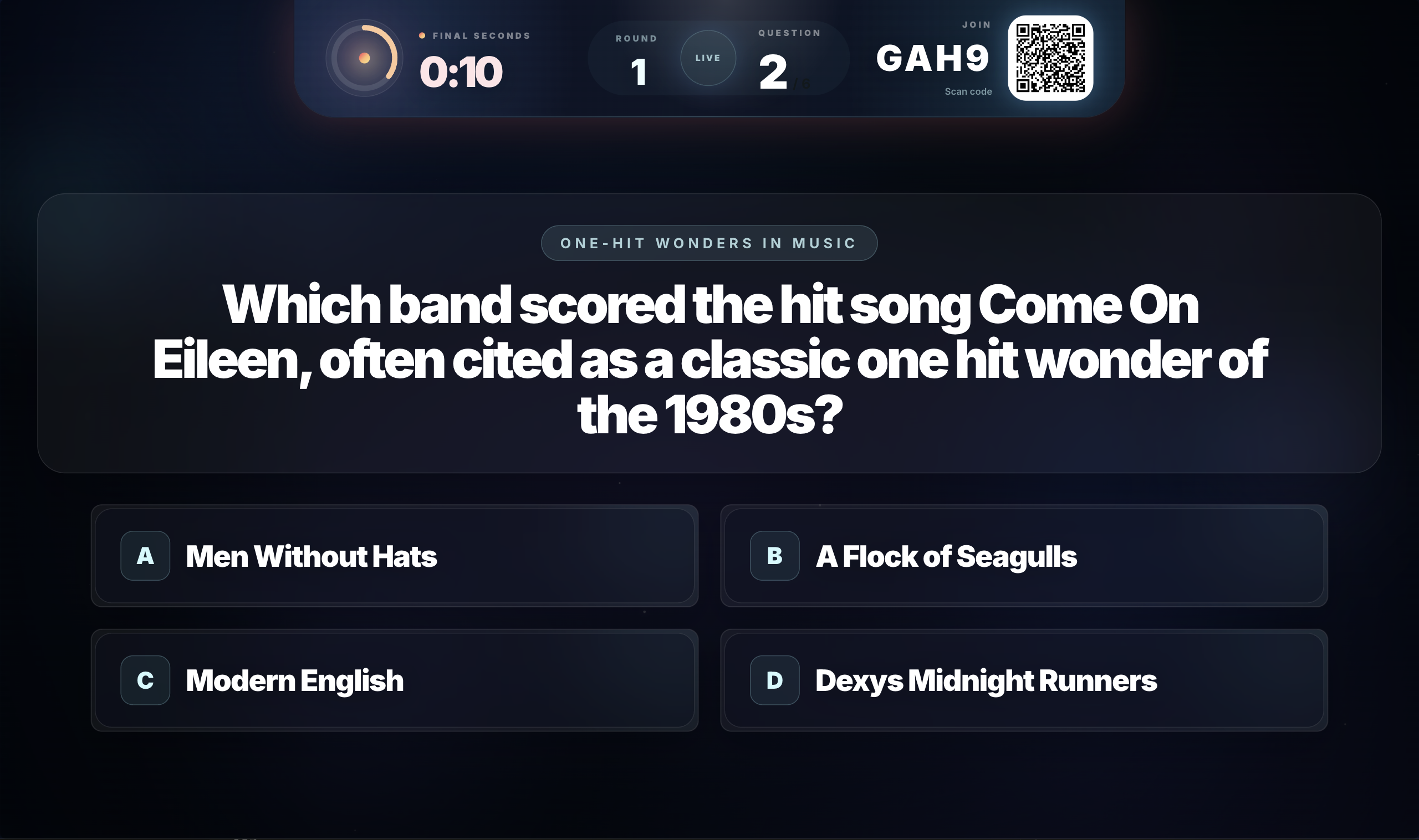
Works wherever your crowd is watching
Venue TVs, projectors, and livestreams all run the same Trivnow TV display. Pair once, then share or cast to the screen in front of the room.
Amazon Fire Stick
Native Trivnow TV app on Fire TV / Fire Stick — plug in and pair.
Chromecast
Open https://tv.trivnow.com in Chrome and cast the tab to any TV.
Zoom
Share the Trivnow TV browser tab so remote rooms see the show.
OBS
Add https://tv.trivnow.com as a Browser Source and go live clean.
Twitch
Stream the TV display through OBS — chat plays on their phones.
Discord
Screen-share Trivnow TV in a voice channel for community nights.
Google Video
Present the TV tab in Google Meet or any Google video call.
Microsoft Teams
Share the TV window on a corporate call without exposing the host dashboard.
Connect a game to Trivnow TV
No extra hardware, no extra subscription. Open the display, claim the 4-letter key, and the show is on the wall.
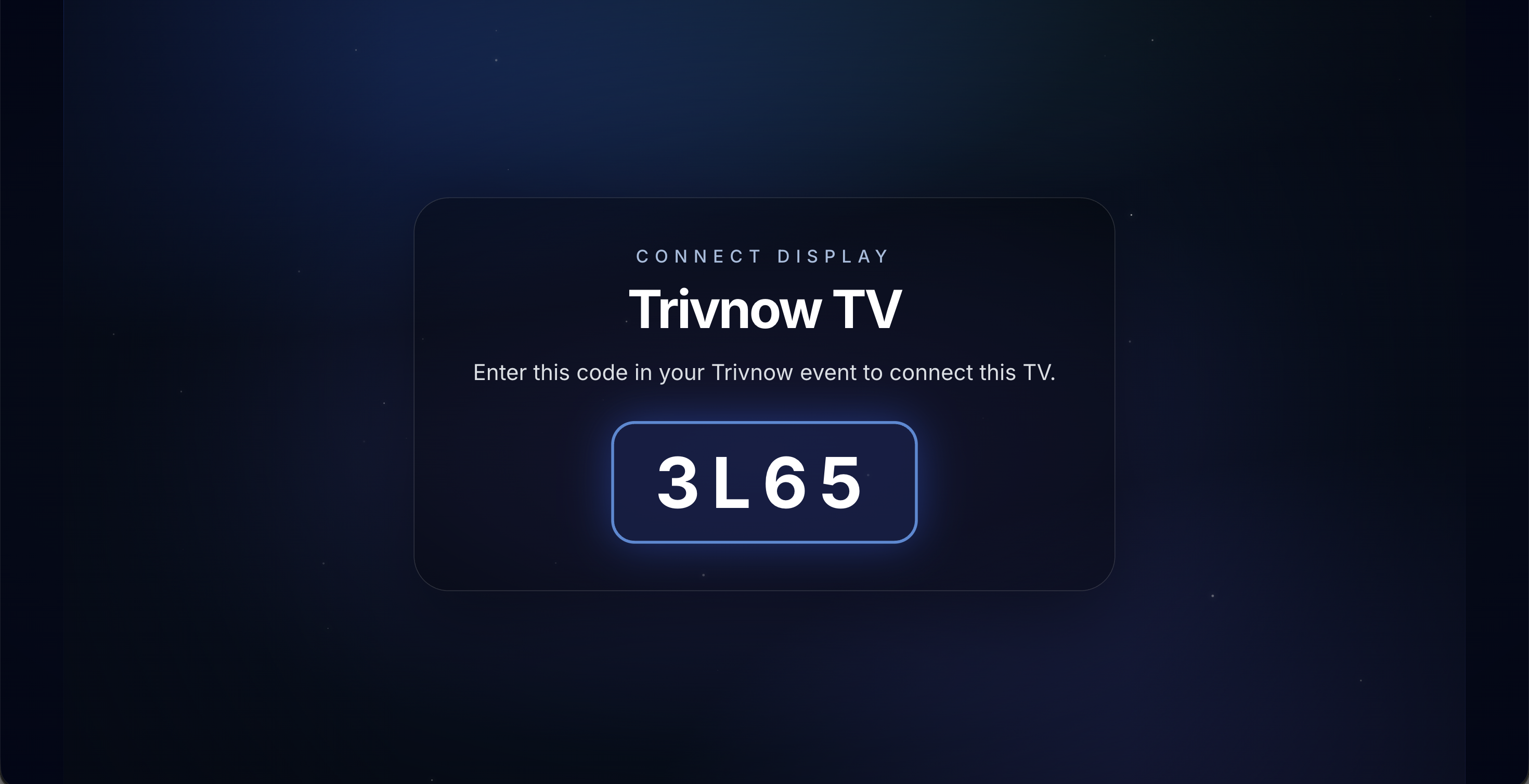
Launch Trivnow TV on any screen
Open the native app on Amazon Fire Stick, or load https://tv.trivnow.com in a browser to Chromecast, share to Zoom / Meet / Teams / Discord, or add it as an OBS Browser Source. A 4-letter pairing code appears on the display.
- Native Fire TV / Fire Stick app, or any modern browser
- Share or cast the TV tab
- Pairing code refreshes until a host claims it
Enter the code in your event
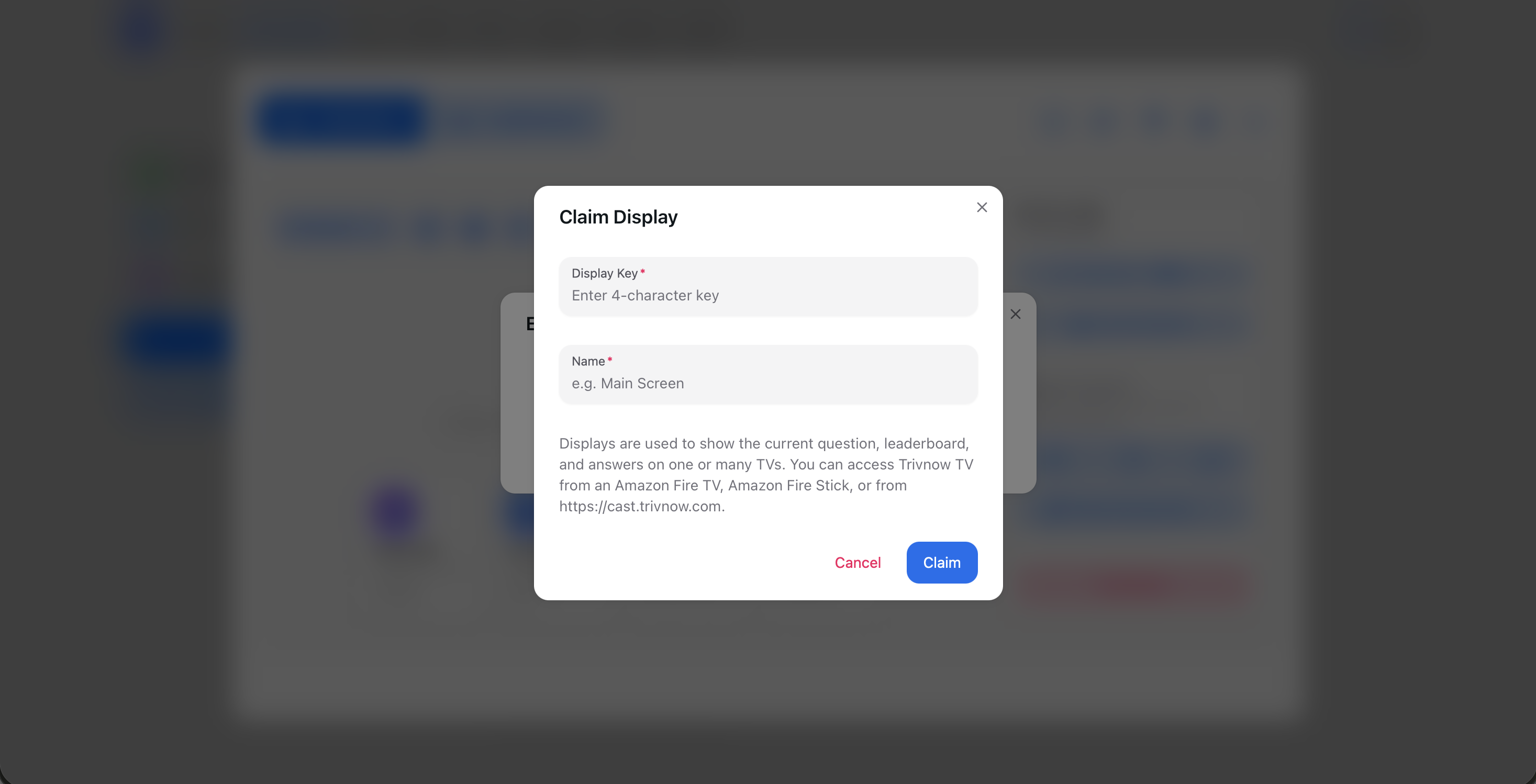
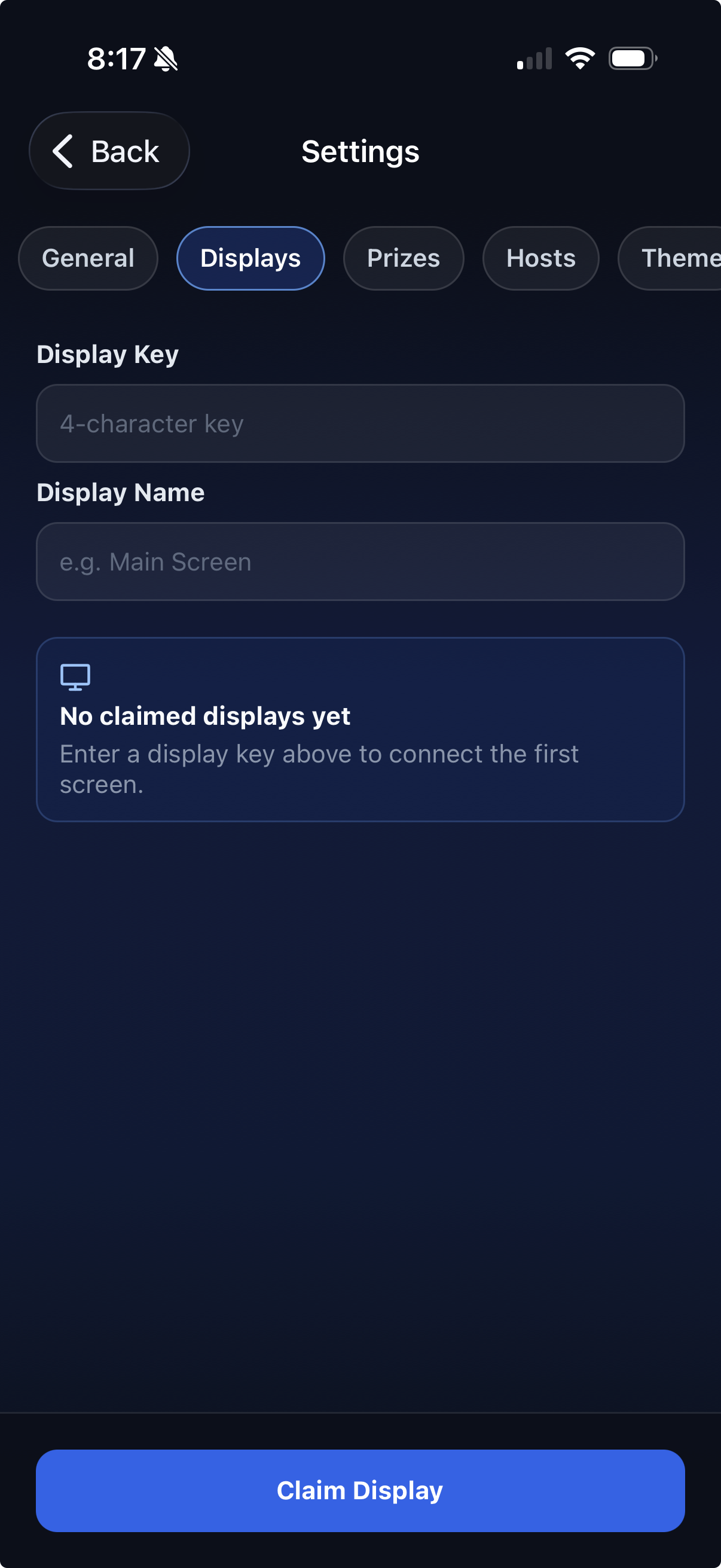
In the live event, open Settings → Displays on the host app or website. Type the 4-letter key, give the screen a name like Bar TV or Stream, and claim it. You can attach as many displays as you want to the same show.
- Connect from the app or the web dashboard
- Name each screen so venues with multiple TVs stay organized
- Connection usually finishes within 10 seconds
The room sees the show
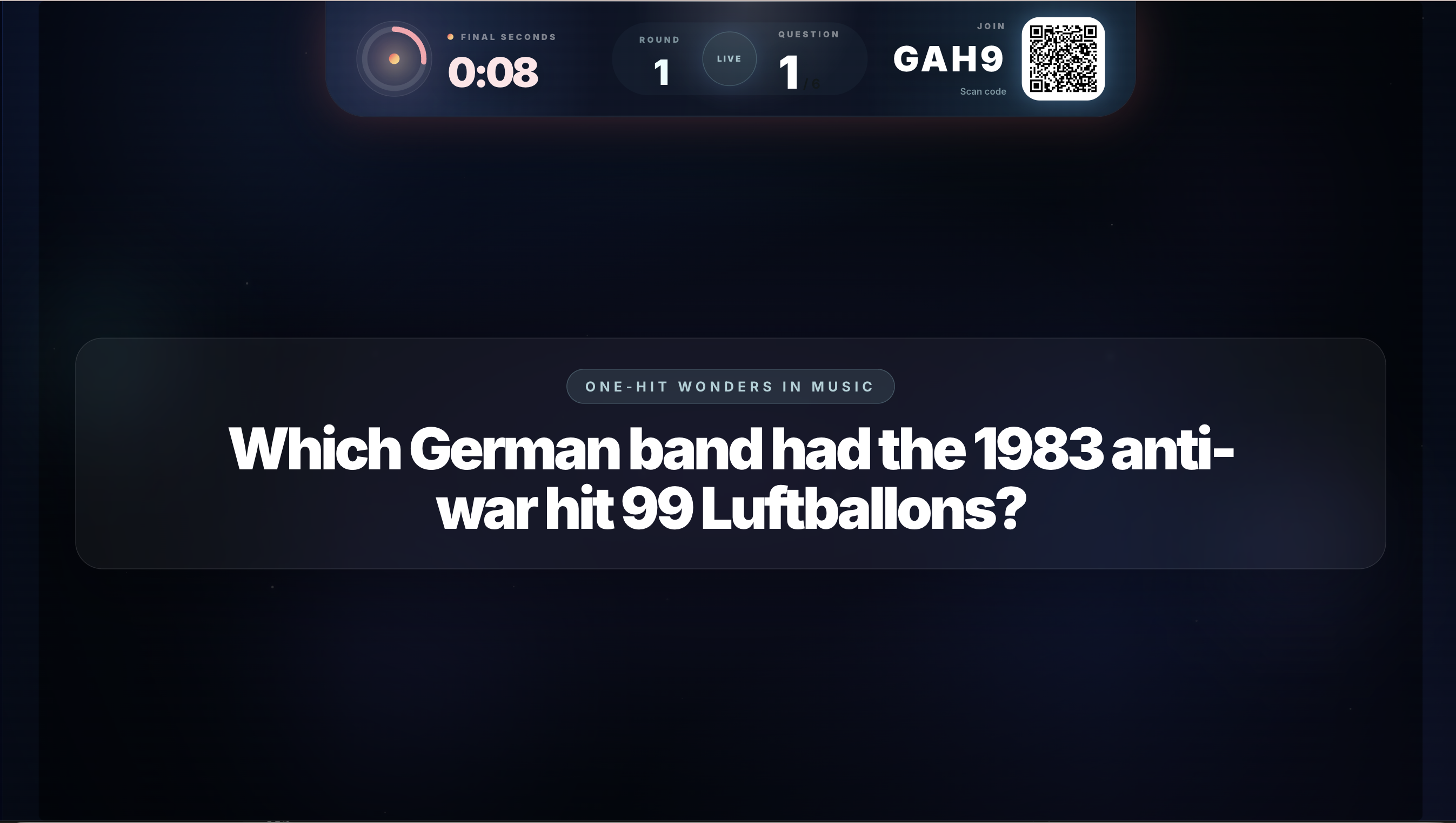
Questions, timers, leaderboards, round intros, and sponsor moments appear on the connected display in real time — while you keep hosting from a laptop or phone.
- Live questions, answers, and standings on the big screen
- Players still answer on their own devices
- Works for packed bar nights and livestreamed quizzes
Trivnow TV FAQ
How the secondary display works, which screens it supports, and how to pair it with a live event.
What is Trivnow TV?
Trivnow TV is a dedicated secondary-display app for live trivia. It casts questions, timers, leaderboards, round intros, and sponsor moments to venue screens, projectors, and livestreams. It is not a screen-share of the host dashboard — you keep hosting from a laptop or phone, and players still answer on their own devices.
Which screens does Trivnow TV work on?
There is a native app for Amazon Fire TV / Fire Stick. On any other screen, open https://tv.trivnow.com in a browser to Chromecast, share to Zoom, Google Meet, Microsoft Teams, or Discord, add it as an OBS Browser Source, or stream through Twitch.
How do I connect a display to my event?
Launch Trivnow TV on the screen. A 4-letter pairing code appears. In the live event, open Settings → Displays on the host app or website, type the code, name the screen, and claim it. Most hosts pair a display in under a minute.
Does Trivnow TV cost extra?
No. Trivnow TV is included free on Casual, Premium, and Legendary.
Can I connect more than one TV to the same show?
Yes. You can attach as many named displays as you want to the same event — for example a bar TV and a stream overlay.